2 min read
How to activate Windows after installation
Activation confirms your copy of Windows is genuine. Unactivated Windows works, but with a watermark and limited personalization.
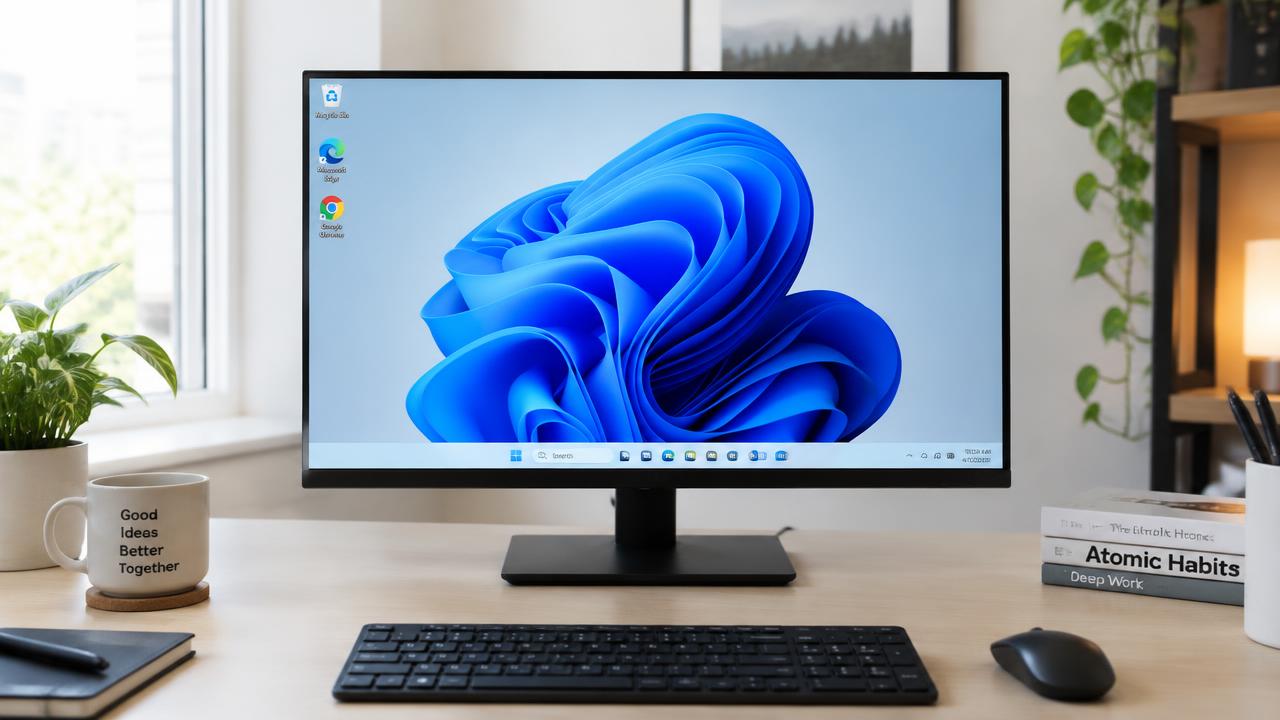
Digital license
If Windows was previously activated on this PC, it activates automatically after installation once connected to the internet — no key needed. Choose the same edition (Home or Pro).
Entering a product key
Go to Settings → System → Activation → Change product key and enter the 25-character key from your purchase.
After hardware changes
Link your license to a Microsoft account beforehand. After replacing the motherboard, run the Activation troubleshooter and choose 'I changed hardware on this device recently'.
Related guides
2 min read
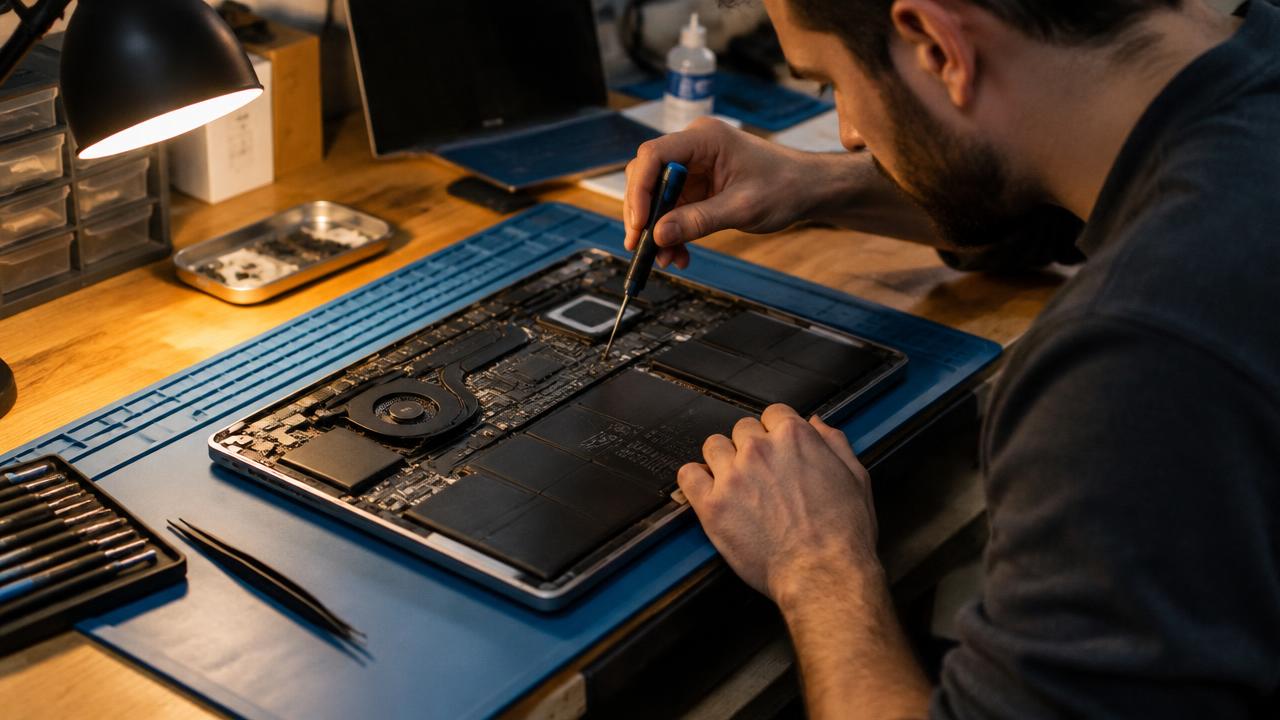
How to install drivers after installing Windows
How to install chipset, graphics, Wi‑Fi and audio drivers after a fresh Windows install using Windows Update and manufacturer sites.
Read →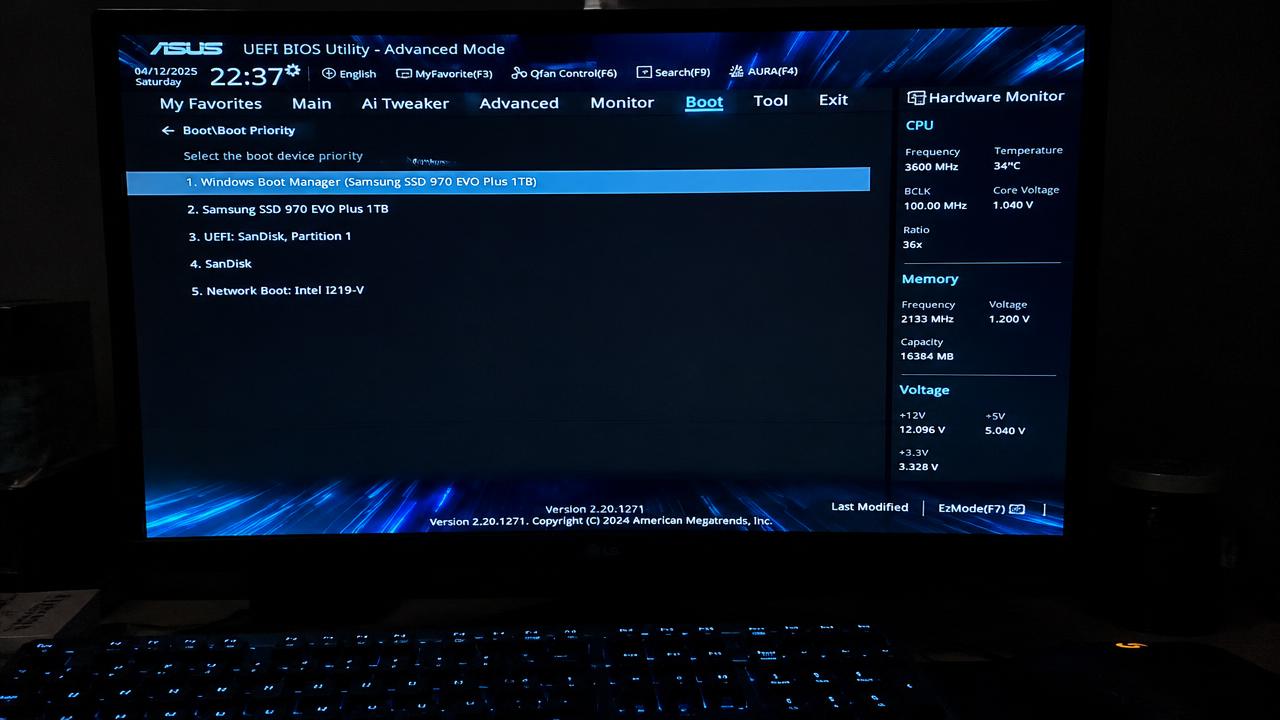
2 min read
Windows installation errors and how to fix them
Solutions for common Windows installation problems: PC doesn't boot from USB, 'This PC can't run Windows 11', no drives found, GPT/MBR errors.
Read →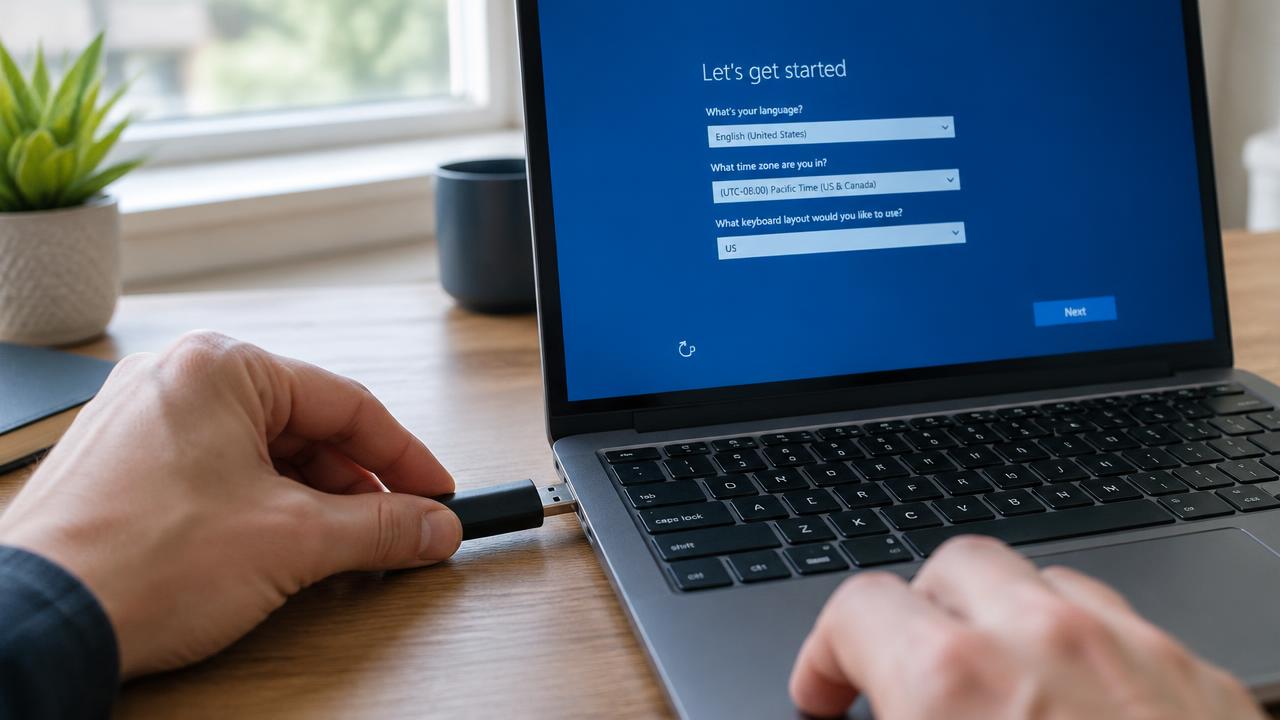
2 min read
How to install Windows: complete step-by-step guide
Full step-by-step guide to installing Windows 11 or 10 from a USB flash drive: preparation, boot menu, partitioning, setup and first start.
Read →