2 min read
Windows 11 without TPM 2.0: what are your options?
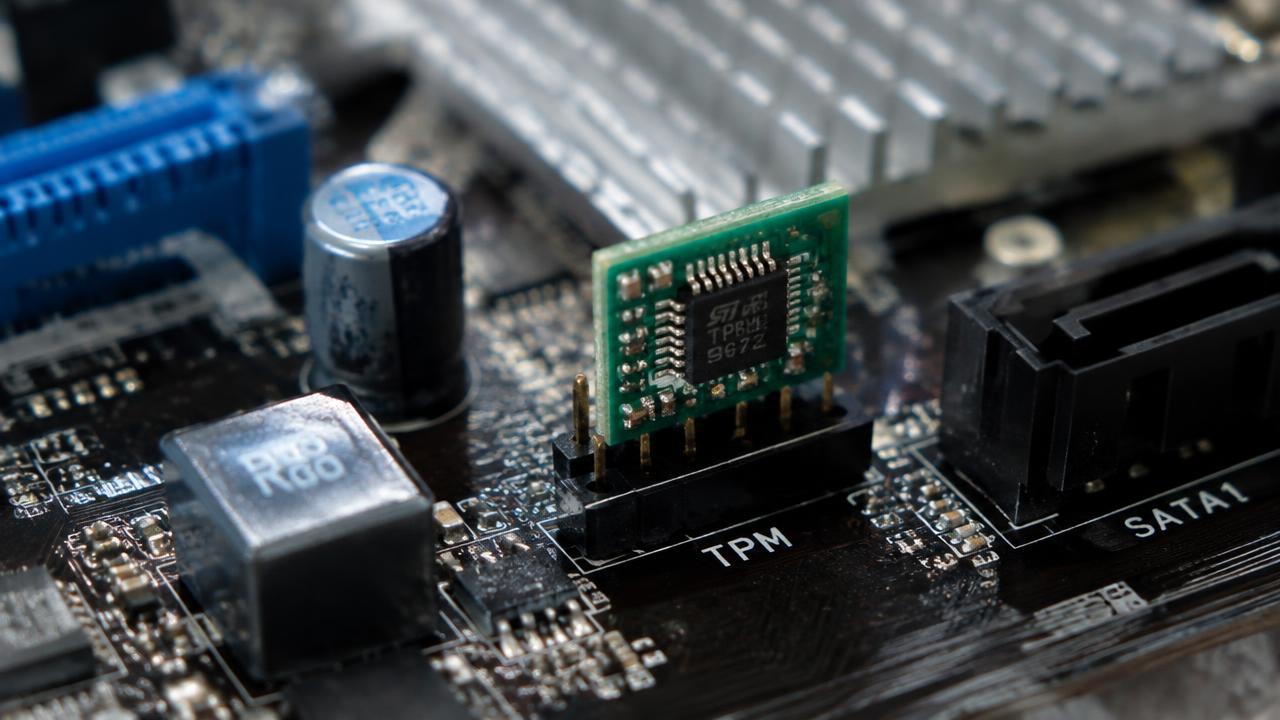
Many 'incompatible' PCs actually have TPM 2.0 — it is just switched off. Check that first; only then consider installing on unsupported hardware.
- Processor
- 1 GHz, 2+ cores, 64-bit
- Memory
- 4 GB RAM
- Storage
- 64 GB
- Firmware
- UEFI, Secure Boot
- Security
- TPM 2.0
- Display
- 720p, 9"+ screen
Step 1: Enable firmware TPM
Enter UEFI setup (Del or F2 at startup) and look for Intel PTT (Platform Trust Technology) or AMD fTPM, usually under Security or Advanced. Enable it, save and run PC Health Check again.
Also enable Secure Boot and make sure the disk uses GPT.
Step 2: Microsoft's official upgrade option
Microsoft documents a registry value that allows upgrading PCs with TPM 1.2 or an unsupported CPU: HKEY_LOCAL_MACHINE\SYSTEM\Setup\MoSetup → DWORD AllowUpgradesWithUnsupportedTPMOrCPU = 1. Then run setup.exe from the mounted ISO.
TPM 1.2 is still required with this method.
Step 3: Rufus for a clean install
Rufus can create a USB drive that removes the TPM, Secure Boot and RAM checks. After clicking Start, tick 'Remove requirement for 4GB+ RAM, Secure Boot and TPM 2.0'.
Risks of unsupported installs
Microsoft states that unsupported PCs are not guaranteed to receive updates, and a watermark may appear on the desktop. For older hardware, staying on Windows 10 with Extended Security Updates or upgrading the PC can be safer.
- No guaranteed security updates
- Possible driver problems
- Desktop watermark
Related guides
2 min read
Windows 11 system requirements: can your PC run it?
Minimum system requirements for Windows 11 and Windows 10: CPU, RAM, storage, TPM 2.0 and Secure Boot, plus how to check your PC.
Read →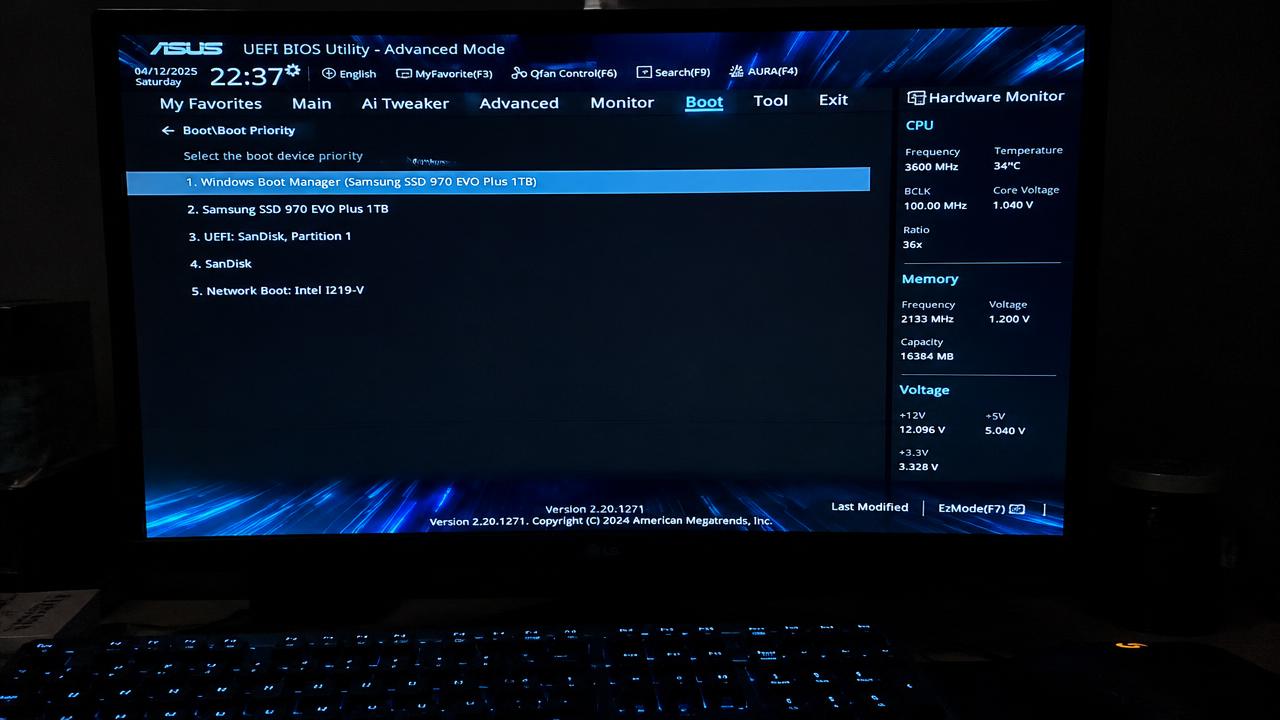
2 min read
Windows installation errors and how to fix them
Solutions for common Windows installation problems: PC doesn't boot from USB, 'This PC can't run Windows 11', no drives found, GPT/MBR errors.
Read →
2 min read
How to create a bootable Windows USB drive
How to make a bootable Windows 11 or 10 USB flash drive with Microsoft Media Creation Tool or Rufus, step by step.
Read →