2 min read
Clean install vs upgrade: how to reinstall Windows
There are three ways to reinstall Windows. Choosing the right one saves time and protects your data.
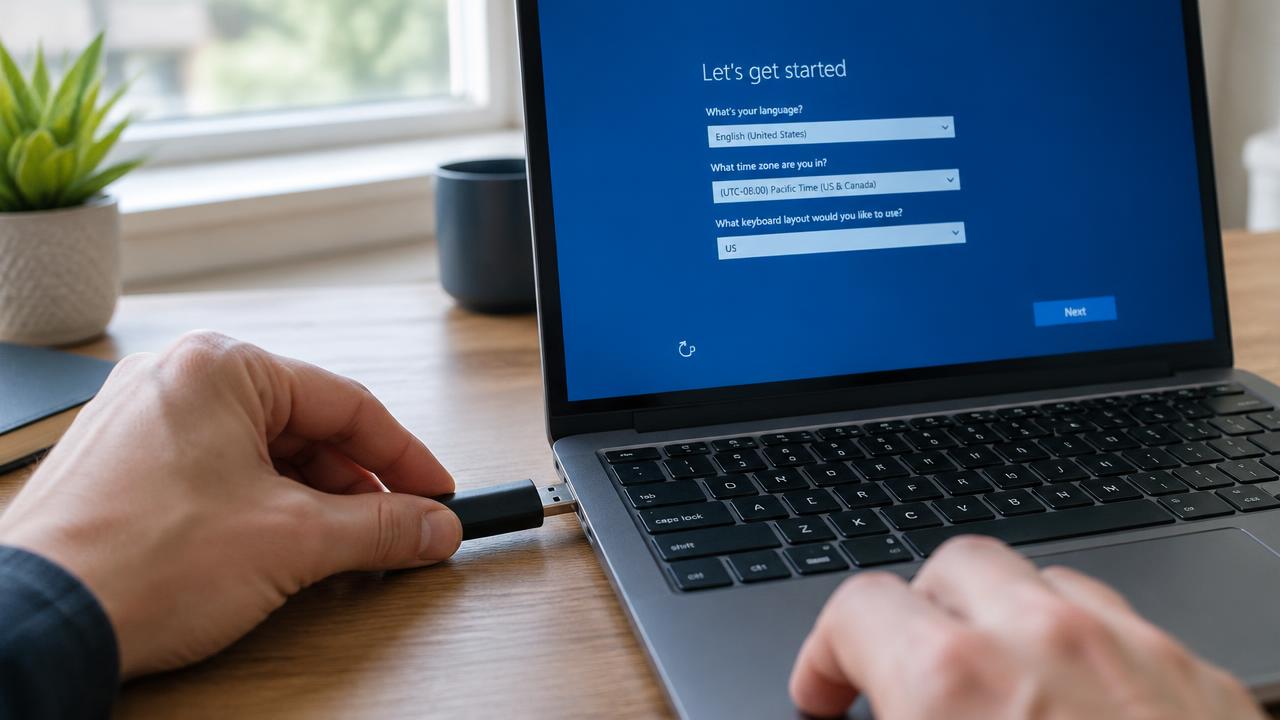
Clean install
Boot from USB and erase the drive. You get the fastest, cleanest system but must reinstall apps and restore files.
In-place upgrade
Run setup.exe from within Windows. It keeps files, settings and apps — ideal for upgrading Windows 10 to Windows 11 or repairing system files.
Reset this PC
Settings → System → Recovery → Reset this PC. Choose 'Keep my files' or 'Remove everything' and 'Cloud download' for fresh files without a USB drive.
Related guides
2 min read
How to install Windows: complete step-by-step guide
Full step-by-step guide to installing Windows 11 or 10 from a USB flash drive: preparation, boot menu, partitioning, setup and first start.
Read →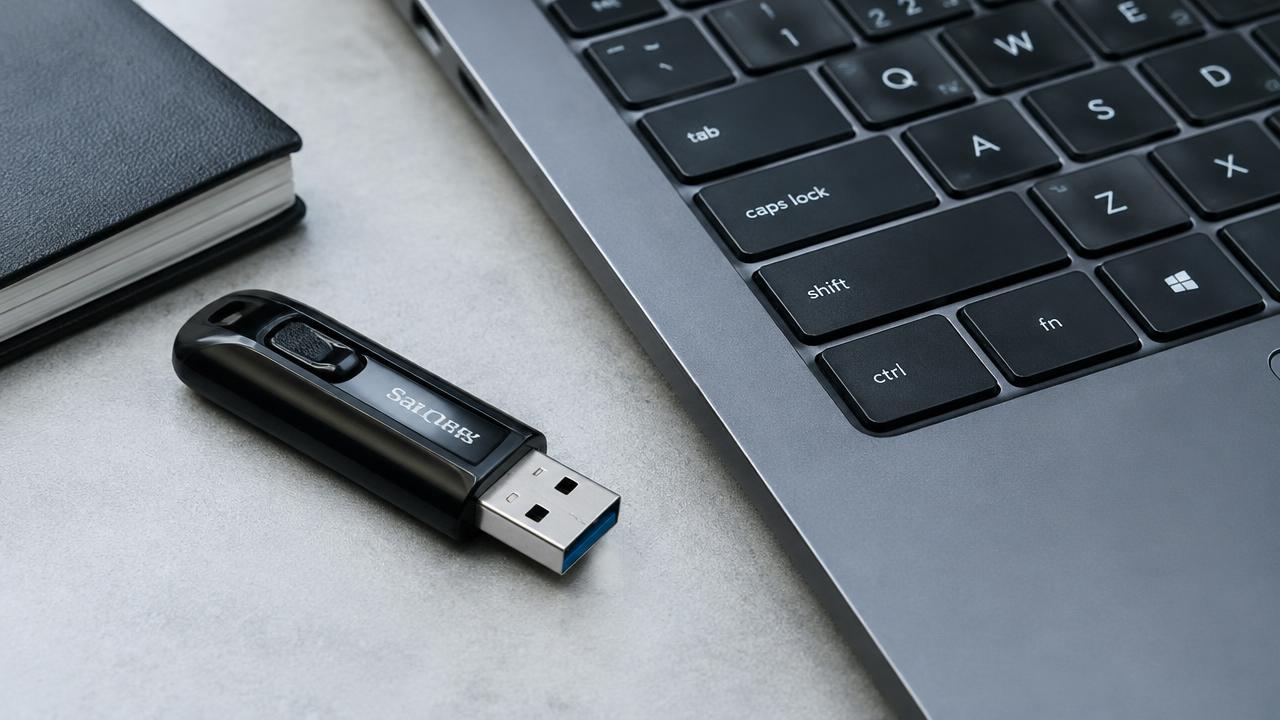
2 min read
How to create a bootable Windows USB drive
How to make a bootable Windows 11 or 10 USB flash drive with Microsoft Media Creation Tool or Rufus, step by step.
Read →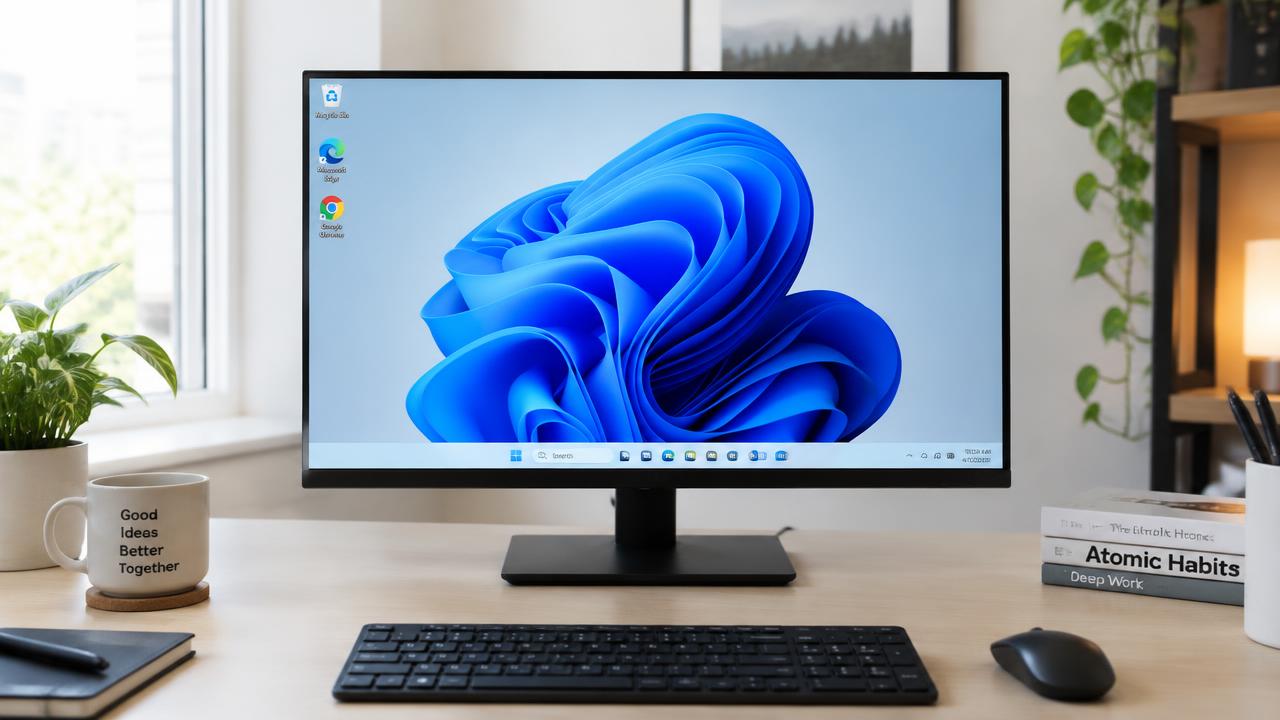
2 min read
How to activate Windows after installation
How Windows activation works: digital license, product key, linking to a Microsoft account and fixing activation errors.
Read →