2 min read
How to install Windows on a Mac (Intel and Apple Silicon)
The method depends on your Mac's processor. Check it in Apple menu → About This Mac: 'Intel' or 'Chip Apple M1/M2/M3/M4'.
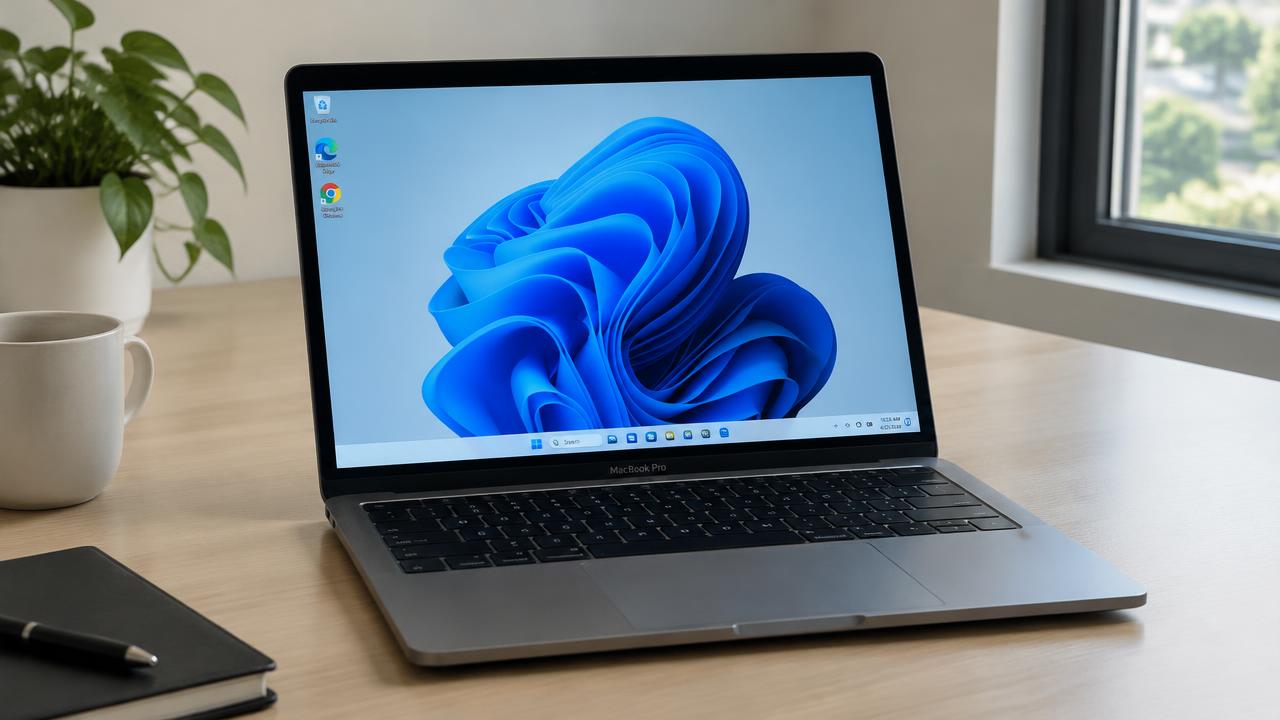
Intel Mac: Boot Camp Assistant
Intel Macs include Boot Camp Assistant (Applications → Utilities). Download a Windows 10 ISO, run Boot Camp, choose the partition size (at least 64 GB) and follow the wizard. The Mac restarts into Windows Setup.
After installation, Boot Camp drivers install automatically. Hold Option (⌥) at startup to choose macOS or Windows.
Apple Silicon Mac (M1–M4): virtualization
Apple Silicon Macs can't boot Windows natively. Instead, run Windows 11 for ARM in a virtual machine. Parallels Desktop is officially authorized by Microsoft; VMware Fusion and the free UTM also work.
- Parallels Desktop — easiest, downloads Windows automatically
- VMware Fusion — free for personal use
- UTM — free and open source
Recommended settings
Give the virtual machine at least 4 CPU cores, 8 GB RAM and 64 GB disk space. Most x86 apps run through Windows' built-in emulation.
Activation on Mac
Windows on Mac needs a valid license. Enter your product key in Settings → System → Activation — see our activation guide.
Related guides
2 min read
How to activate Windows after installation
How Windows activation works: digital license, product key, linking to a Microsoft account and fixing activation errors.
Read →
2 min read
Windows 11 system requirements: can your PC run it?
Minimum system requirements for Windows 11 and Windows 10: CPU, RAM, storage, TPM 2.0 and Secure Boot, plus how to check your PC.
Read →2 min read
What is Windows 11 and what is it for?
What Windows 11 is, what an operating system does, key features and why you might want to install Windows 11.
Read →