2 min read
Windows 10 vs Windows 11: which should you install?
Both versions look similar under the hood, but they differ in hardware requirements, interface and support lifetime.
- Processor
- 1 GHz, 2+ cores, 64-bit
- Memory
- 4 GB RAM
- Storage
- 64 GB
- Firmware
- UEFI, Secure Boot
- Security
- TPM 2.0
- Display
- 720p, 9"+ screen
Requirements
Windows 10 runs on almost any 64-bit PC. Windows 11 requires TPM 2.0, Secure Boot and a newer CPU (Intel 8th gen / AMD Ryzen 2000 or later).
Interface and features
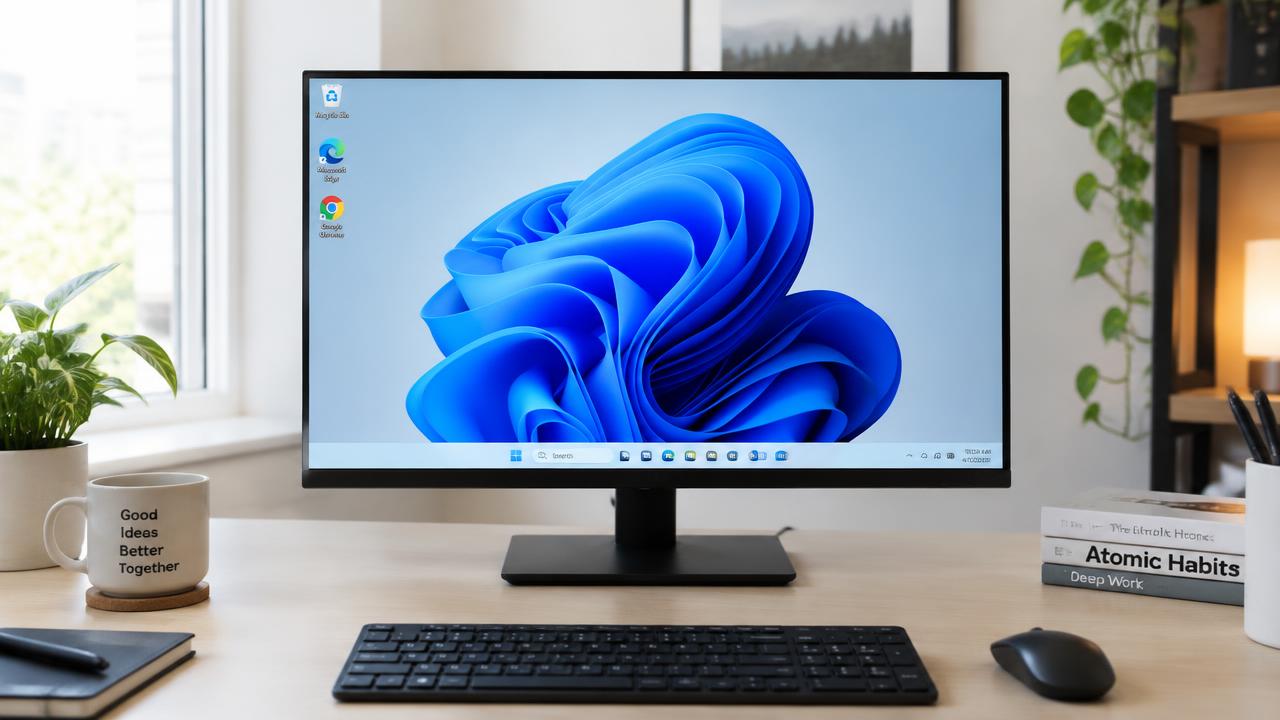
Windows 11 has a redesigned Start menu, rounded windows, Snap layouts and better multi-monitor handling. Windows 10 offers the classic layout many users know.
Support and security
Microsoft ended free Windows 10 support on 14 October 2025. Windows 11 receives regular feature and security updates, making it the recommended choice.
Related guides
2 min read
What is Windows 11 and what is it for?
What Windows 11 is, what an operating system does, key features and why you might want to install Windows 11.
Read →
2 min read
Clean install vs upgrade: how to reinstall Windows
Difference between a clean Windows install, an in-place upgrade and 'Reset this PC' — when to use each and how to keep your files.
Read →
2 min read
Windows 11 system requirements: can your PC run it?
Minimum system requirements for Windows 11 and Windows 10: CPU, RAM, storage, TPM 2.0 and Secure Boot, plus how to check your PC.
Read →