2 min read
How to install drivers after installing Windows
Drivers let Windows talk to your hardware. After a clean install, most drivers come through Windows Update, but some need manual installation.
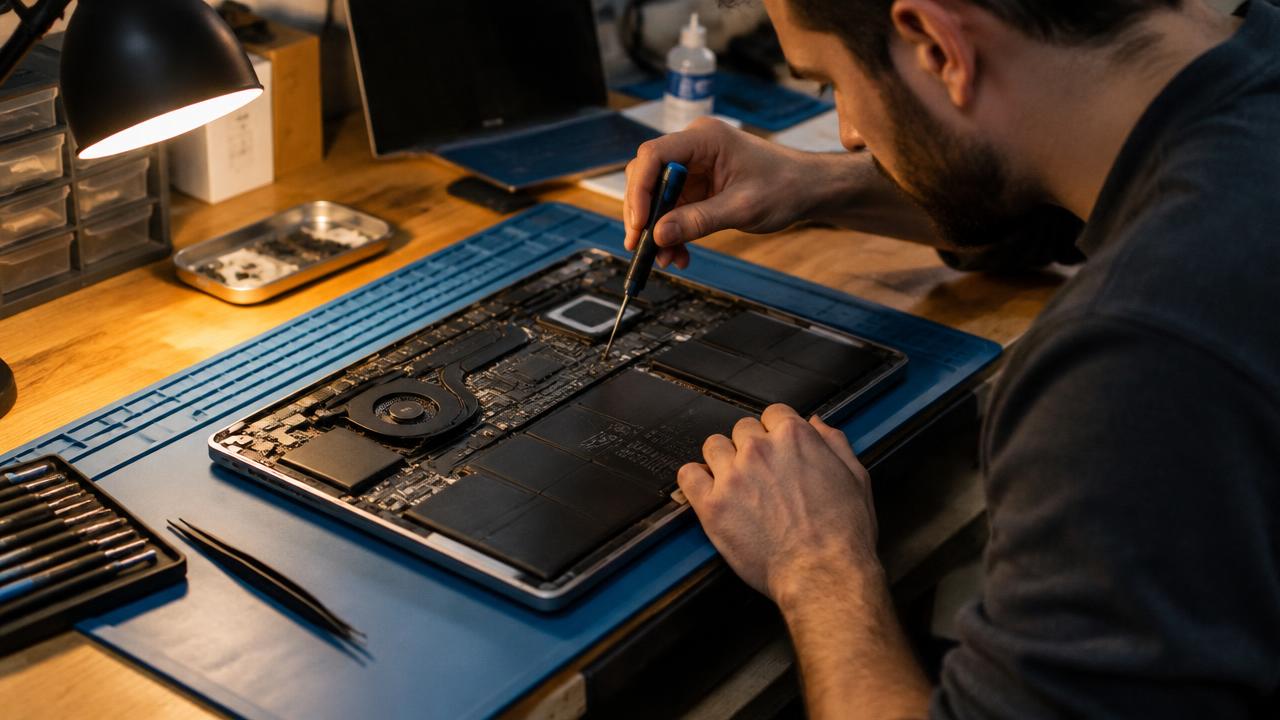
Start with Windows Update
Open Settings → Windows Update, check for updates and look under Advanced options → Optional updates for driver packages.
Install key drivers manually
Download the latest drivers from your laptop or motherboard manufacturer's support page.
- Chipset (Intel / AMD)
- Graphics (NVIDIA, AMD, Intel)
- Wi‑Fi and Bluetooth
- Audio and touchpad
Check Device Manager
Right-click Start → Device Manager. Devices with a yellow exclamation mark still need a driver.
Related guides
2 min read
How to activate Windows after installation
How Windows activation works: digital license, product key, linking to a Microsoft account and fixing activation errors.
Read →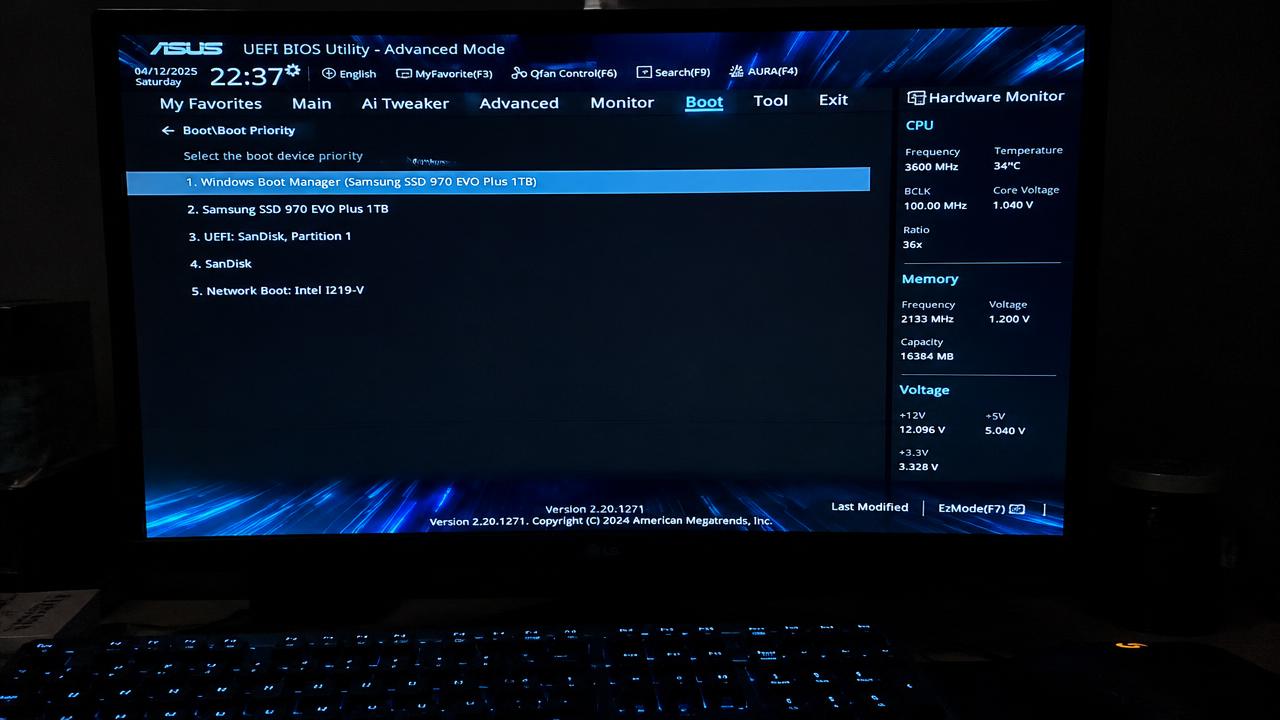
2 min read
Windows installation errors and how to fix them
Solutions for common Windows installation problems: PC doesn't boot from USB, 'This PC can't run Windows 11', no drives found, GPT/MBR errors.
Read →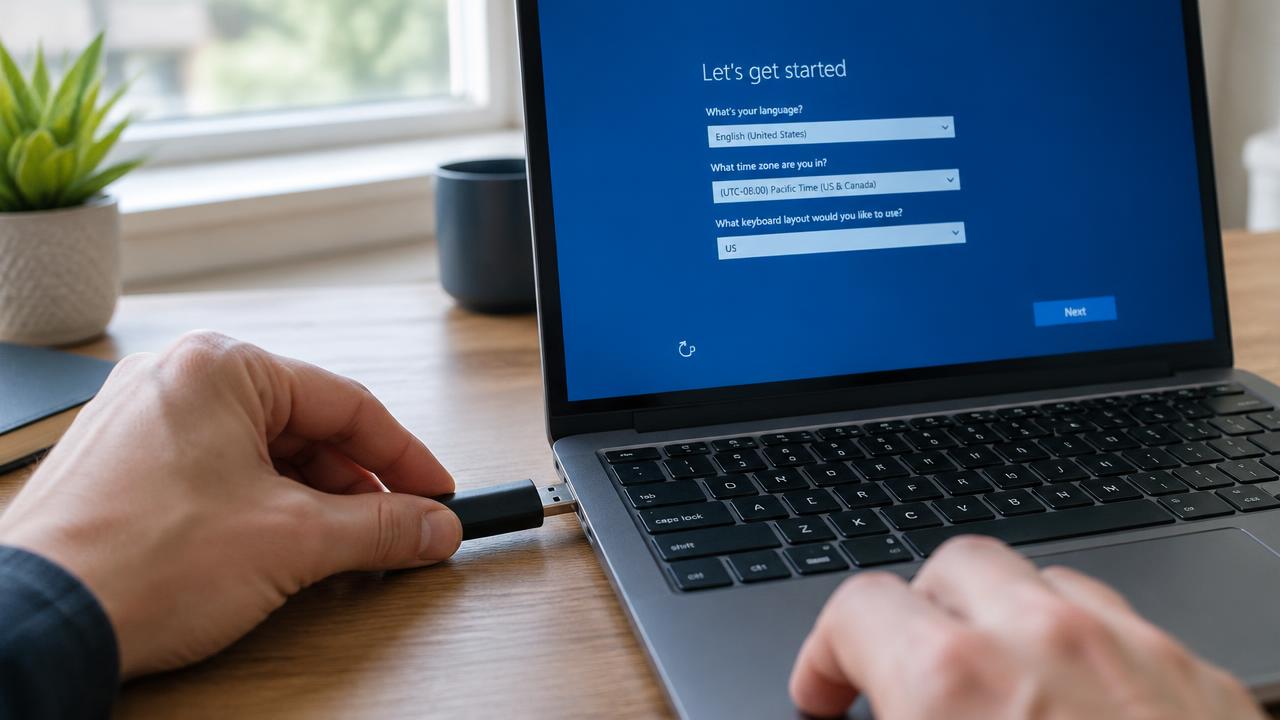
2 min read
How to install Windows: complete step-by-step guide
Full step-by-step guide to installing Windows 11 or 10 from a USB flash drive: preparation, boot menu, partitioning, setup and first start.
Read →