2 min read
How to install Windows without a USB drive
No USB stick at hand? If Windows still starts on your PC, you can reinstall or upgrade it directly from the running system. Here are four reliable methods.
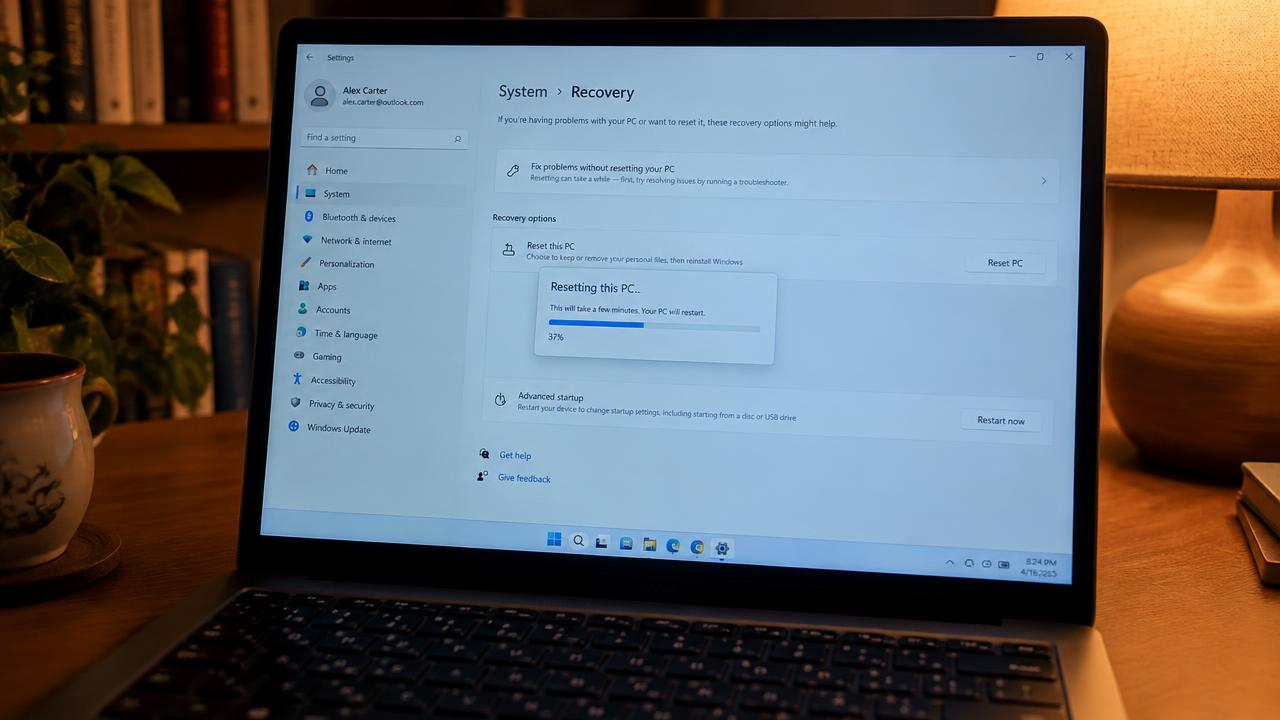
Method 1: Reset this PC with Cloud download
Open Settings → System → Recovery → Reset this PC. Choose 'Keep my files' or 'Remove everything', then select 'Cloud download'. Windows downloads about 4–5 GB of fresh system files from Microsoft and reinstalls itself.
This is the easiest method and gives you an almost clean installation without any external media.
Method 2: Mount the ISO and run setup
Download the Windows 11 ISO from Microsoft's website, right-click it and choose Mount. Open the new virtual drive and run setup.exe.
You can keep files and apps (in-place upgrade) or keep nothing for a fresh start. This is the best way to repair a damaged system.
- Keep personal files and apps
- Keep personal files only
- Keep nothing
Method 3: Windows 11 Installation Assistant
On a compatible Windows 10 PC, download the Installation Assistant from Microsoft. It checks compatibility and upgrades to Windows 11 while keeping your files.
Method 4: Manufacturer recovery partition
Many laptops (HP, Dell, Lenovo, ASUS) include a hidden recovery partition. Press the recovery key at startup (F11 on HP, F12/Novo button on Lenovo, F9 on ASUS) to restore factory Windows.
When you still need a USB drive
If Windows does not start at all, the disk was replaced, or you want to change partitions, you need a bootable USB drive — see our bootable USB guide.
Related guides
2 min read
Clean install vs upgrade: how to reinstall Windows
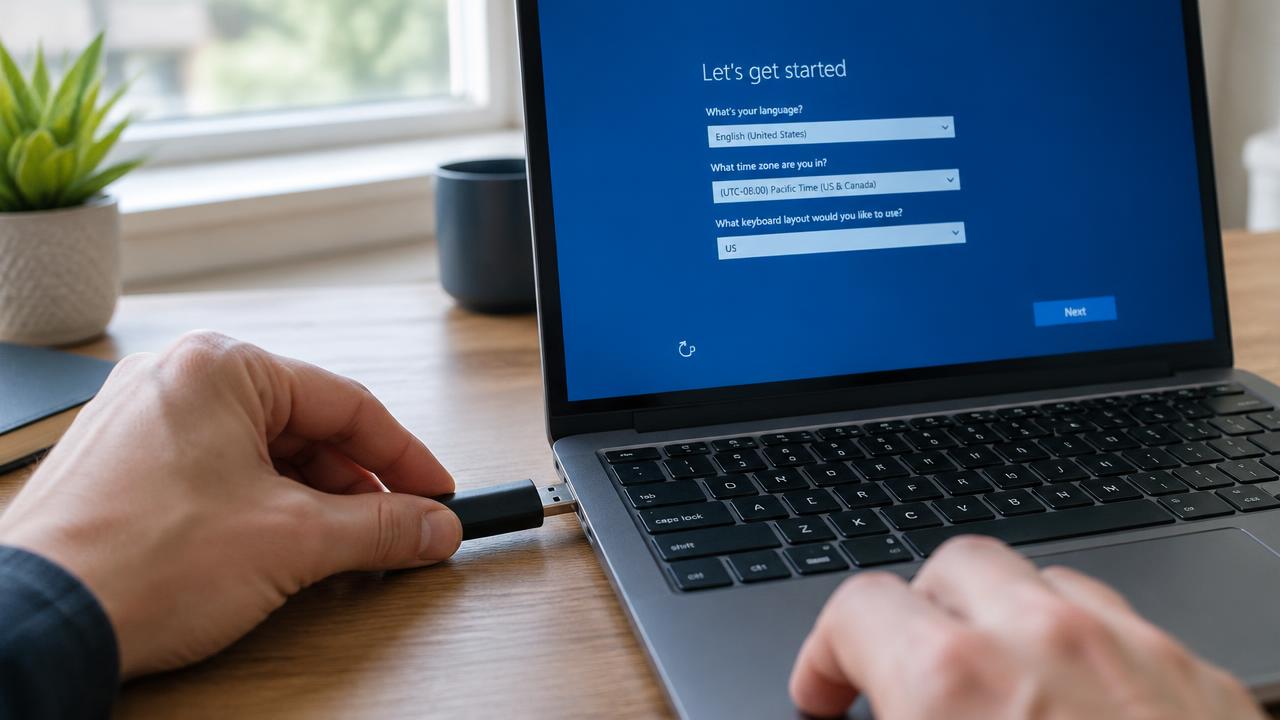
Difference between a clean Windows install, an in-place upgrade and 'Reset this PC' — when to use each and how to keep your files.
Read →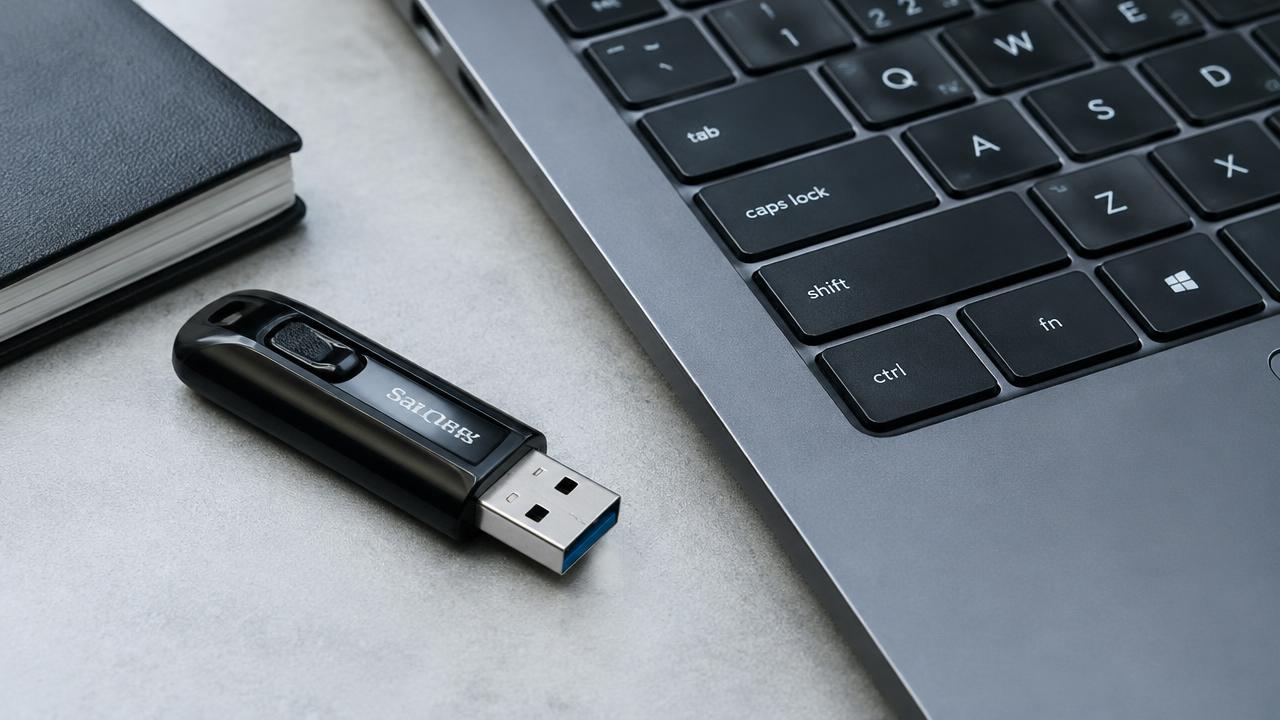
2 min read
How to create a bootable Windows USB drive
How to make a bootable Windows 11 or 10 USB flash drive with Microsoft Media Creation Tool or Rufus, step by step.
Read →2 min read
How to install Windows: complete step-by-step guide
Full step-by-step guide to installing Windows 11 or 10 from a USB flash drive: preparation, boot menu, partitioning, setup and first start.
Read →