2 min read
Windows 11 system requirements: can your PC run it?
Before you install Windows 11, check that your computer meets Microsoft's minimum requirements. Most PCs from 2018 onward are compatible.
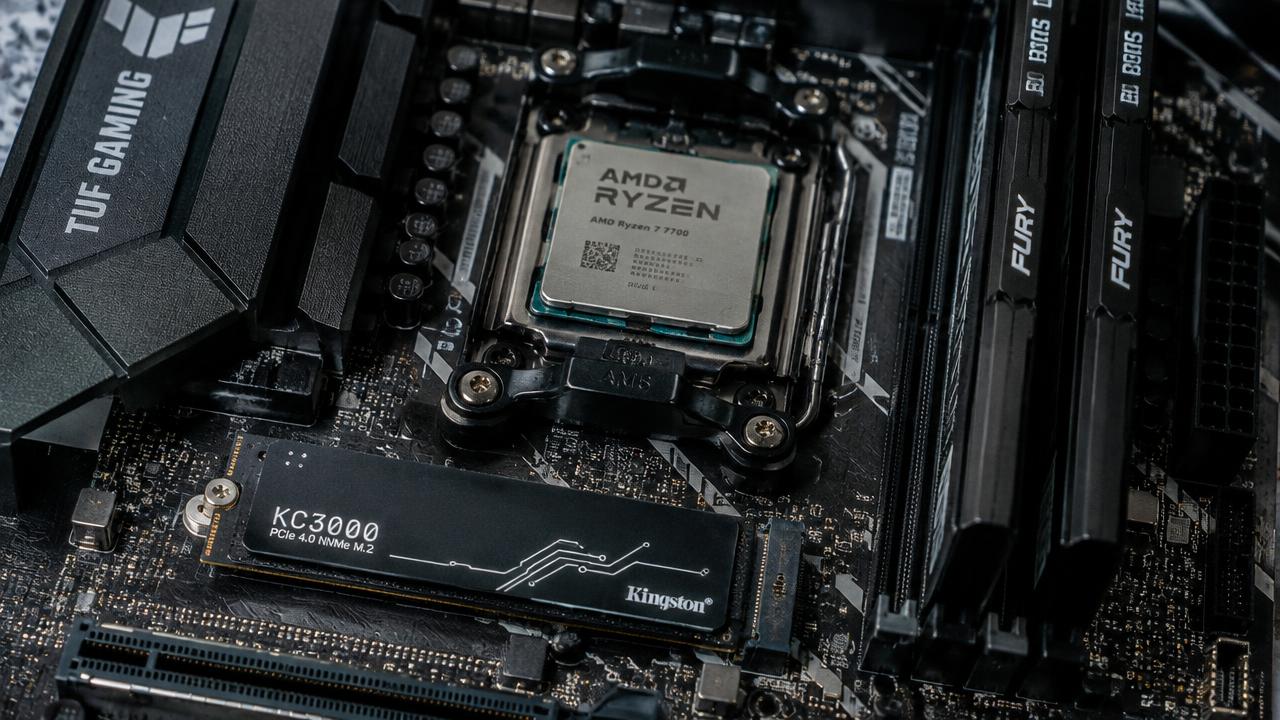
- Processor
- 1 GHz, 2+ cores, 64-bit
- Memory
- 4 GB RAM
- Storage
- 64 GB
- Firmware
- UEFI, Secure Boot
- Security
- TPM 2.0
- Display
- 720p, 9"+ screen
What is TPM 2.0?
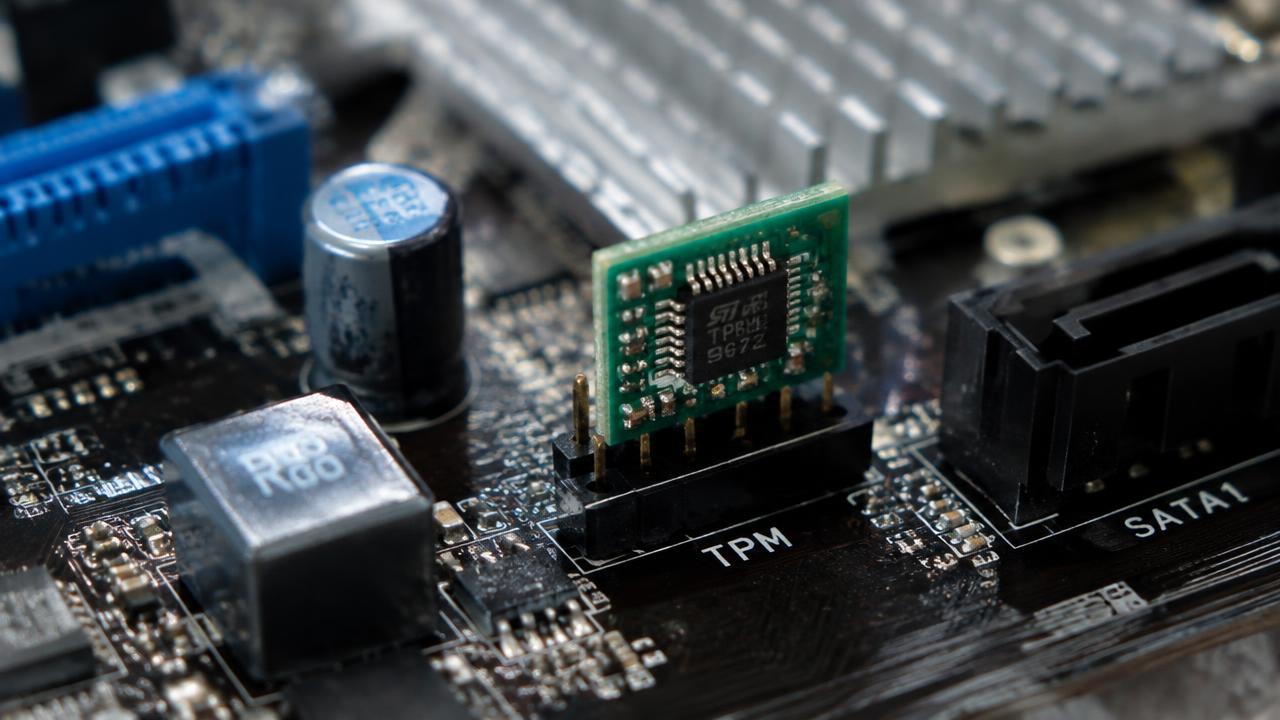
TPM (Trusted Platform Module) is a security chip that stores encryption keys. On many PCs it is built into the processor and called Intel PTT or AMD fTPM — you may only need to enable it in UEFI settings.
What is Secure Boot?
Secure Boot is a UEFI feature that only allows trusted, signed software to start your PC. It protects against bootkits and requires the disk to use GPT partitioning.
How to check compatibility
Download the PC Health Check app from Microsoft, or press Win + R, type tpm.msc to see TPM status and msinfo32 to check BIOS mode and Secure Boot state.
- tpm.msc — TPM version
- msinfo32 — BIOS mode: UEFI
- Settings → Windows Update — upgrade eligibility
Related guides
2 min read
Windows 11 without TPM 2.0: what are your options?
How to install Windows 11 on a PC that fails the TPM 2.0 or CPU check: enable fTPM/PTT, Microsoft's registry option and Rufus — plus the risks.
Read →
2 min read
What is Windows 11 and what is it for?
What Windows 11 is, what an operating system does, key features and why you might want to install Windows 11.
Read →2 min read
Windows 10 vs Windows 11: which should you install?
Comparison of Windows 10 and Windows 11: requirements, interface, performance, gaming, security and end of support.
Read →